Everything EasyPoolPass Does
One free system for resident sign-in, guest passes, text messaging, and the reporting your trustees or property managers actually want to see.
For Residents
Phone-Based Sign In
No app to download, no password to remember. Residents sign in with their facility code and phone number, right from any browser.

Text Messaging
Facilities can text residents directly — one at a time or in bulk — for pool closures, weather alerts, or reminders, right from the admin dashboard.

Guest Passes
Residents request guest passes right after signing in. Your facility decides whether they're free or carry a cost, and how many are allowed per visit.

Season Pass Bundles
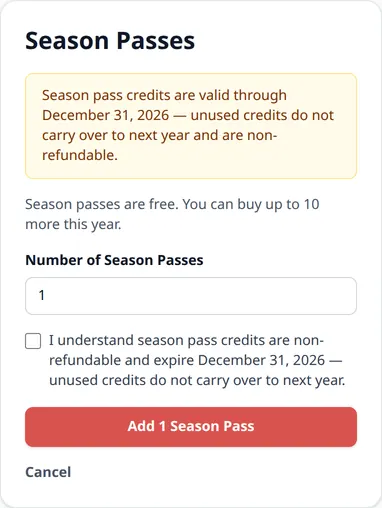
Frequent guests? Residents can pre-buy a batch of guest passes for the whole year and draw down from that balance on any visit — instead of paying one at a time.
Resident Photo ID
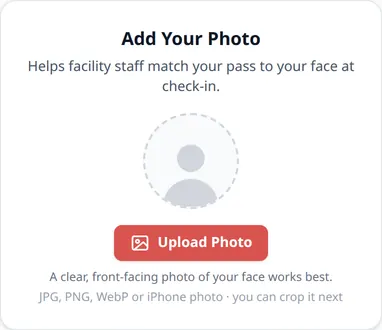
Residents can add their own photo, or an admin can add one for them — makes it easy for staff to match a pass to the person holding it.
Membership Applications
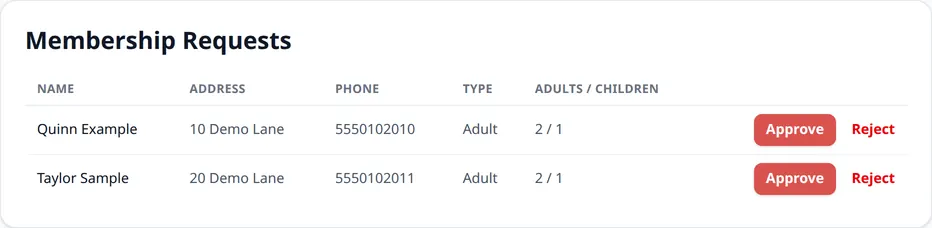
New residents can request access online instead of filling out a paper form — approved applications turn into resident accounts automatically.
For Pool Staff at the Gate
Lifeguards and attendants get a simple check-in screen on any phone or tablet — no scanner or extra hardware to buy.
Pool Staff Check-In
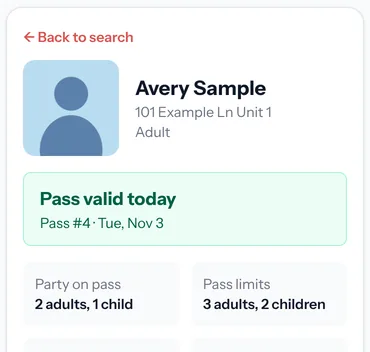
Give each lifeguard or attendant their own staff login. They look up a resident, see their photo and whether their pass is valid today, and record how many adults, children and guests came in.
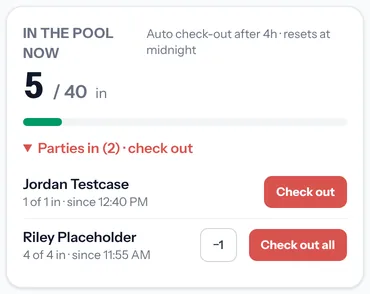
Live Occupancy Count
See how many people are in the pool right now, against an optional capacity you set. Staff check parties out as they leave, so the count stays current all day.
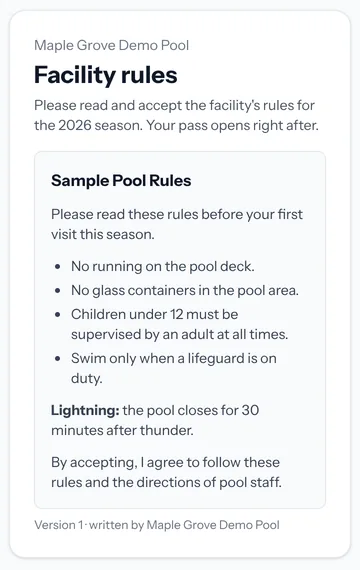
Rules & Waiver Acceptance
An optional feature your facility turns on with its own rules or waiver wording. Residents read and accept it once a season before their pass opens, you can see who has accepted, and staff see a flag at the gate for anyone who hasn't.
For Facility Managers
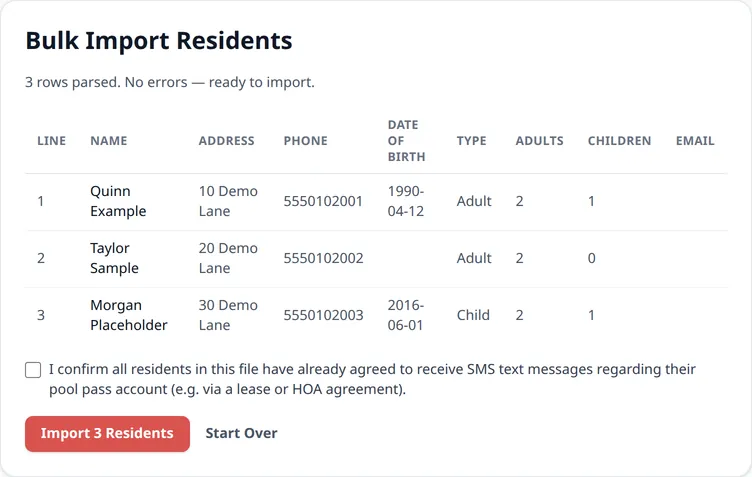
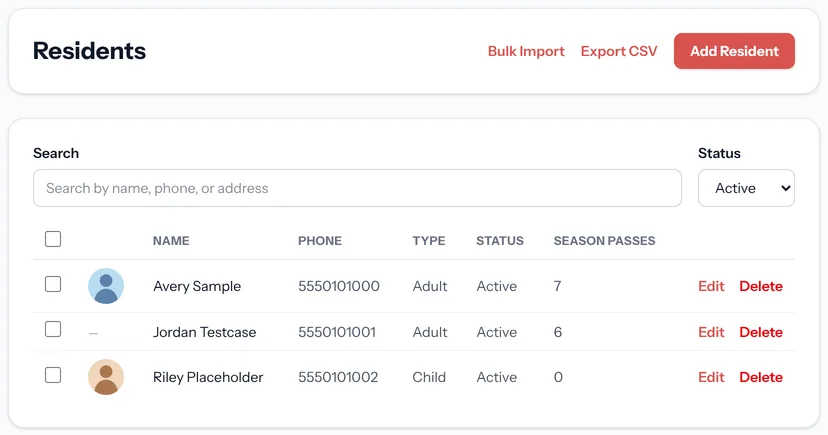
CSV Bulk Import
Add your whole resident list at once from a spreadsheet, or add residents one at a time — whichever fits how your facility works.
Admin Dashboard
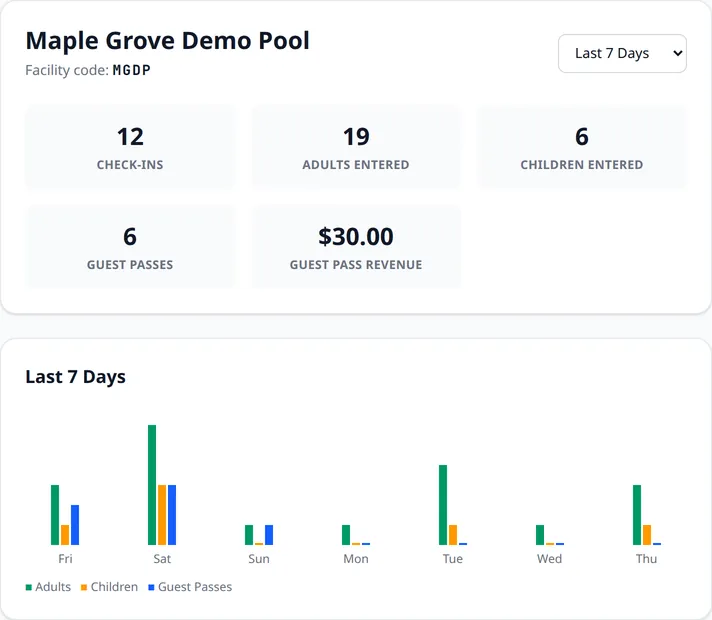
Check-ins, guest passes, and revenue for today, the last 7 or 30 days, this year, last year, or all time — plus a 7-day activity chart at a glance.
Detailed Reports
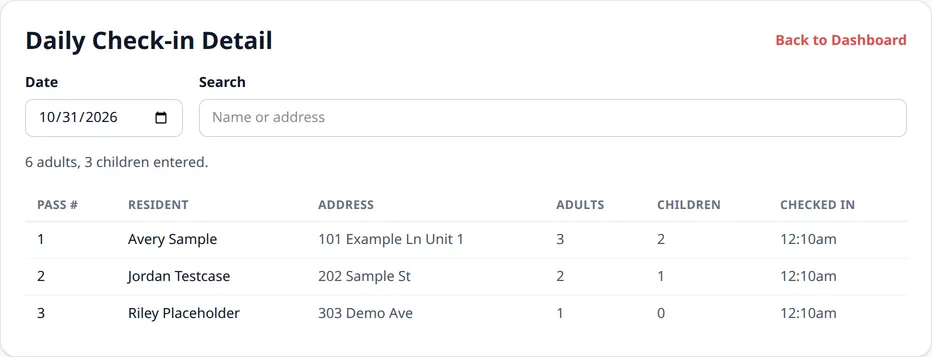
Drill into any day's check-ins or guest pass activity, including who paid what and when — useful for reconciling with your bank statement.
Resident Status Management
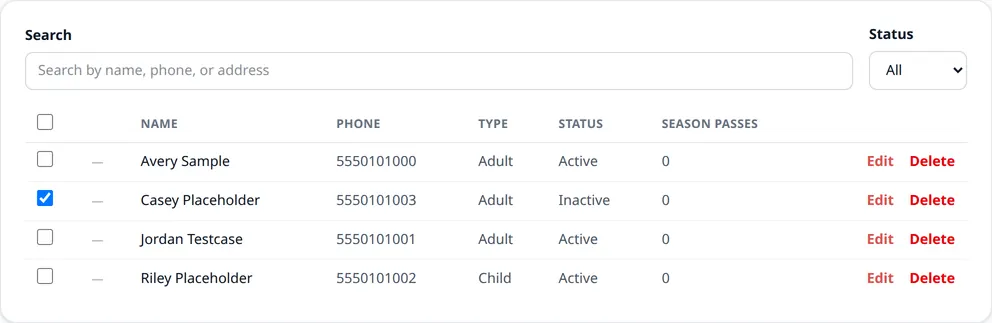
Mark residents Active or Inactive individually or in bulk — pause access without deleting a record, for a move-out or a lapsed membership.
Your Own Guest Pass Policy
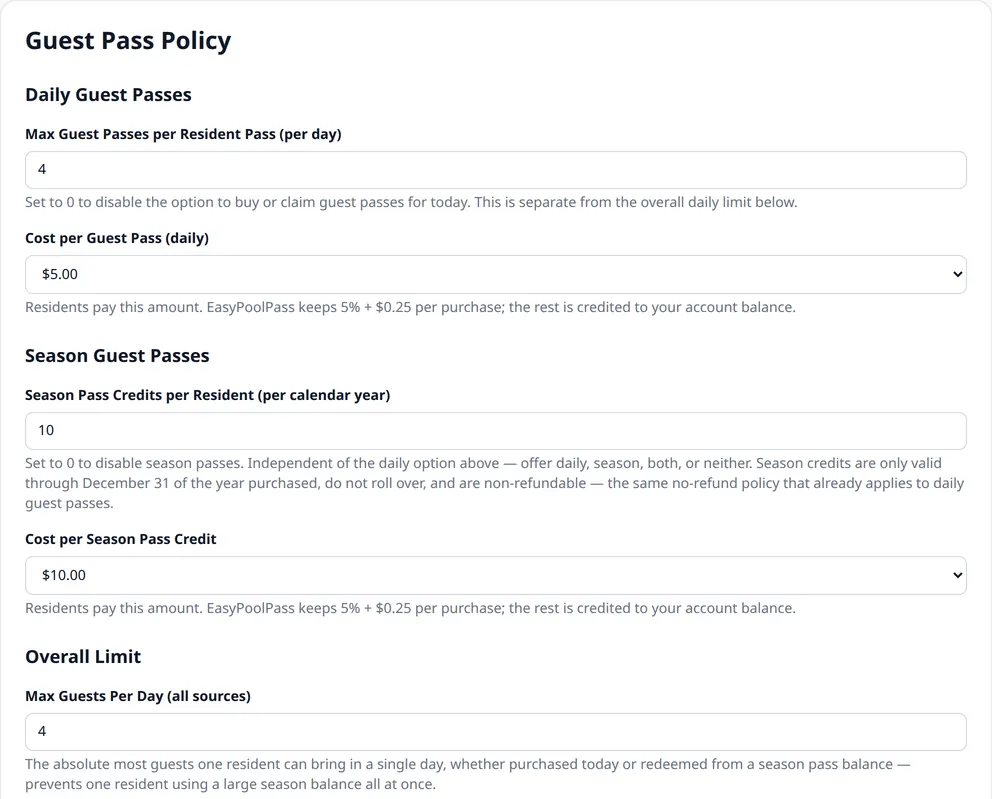
Set your own daily and season guest pass limits and pricing — free, paid, or a mix of both. Residents pay exactly what you set; EasyPoolPass keeps 5% + $0.25 per purchase.
Multi-Facility Ready
Every HOA, apartment community, or swim club gets its own facility code, resident list, and dashboard — completely separate from every other facility on EasyPoolPass.
Household & Day Guest Rules
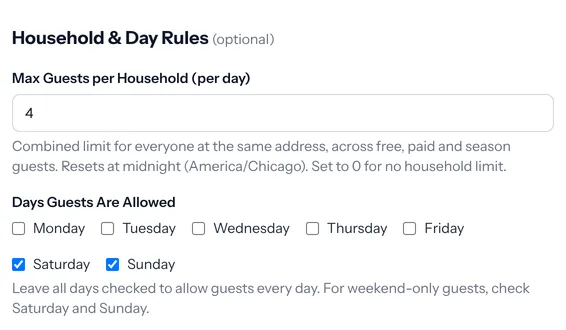
Cap how many guests a household can bring per day and choose which days of the week guests are allowed — the limits apply automatically when residents request passes.
Resident CSV Export
Download your full resident list as a CSV spreadsheet any time — for your records, a board meeting, or moving data into another system. Your data stays yours.
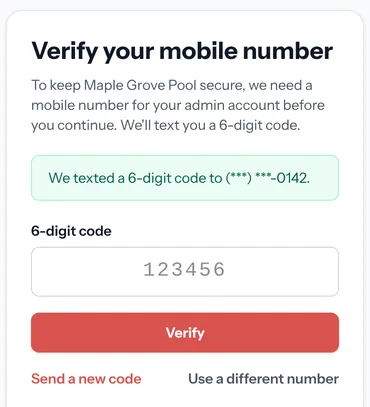
Phone-Verified Admin Logins
Every facility admin account is tied to a mobile number verified with a 6-digit text code before it can open the dashboard.
A Live Pass Can't Be Faked With a Screenshot
Every valid pass shows a clock that ticks each second and a shine that keeps moving, plus the resident's photo. Staff can tell a real pass at a glance.
How EasyPoolPass keeps your pool secure →Sunset Cove Pool
Alex Example
Adult Pass · Example
Monday, November 9
See What It Costs
Spoiler: nothing. Compare EasyPoolPass to other pool access software.
View Pricing & ComparisonReady now? Register your facility — free.